








Home
/
Individuals
/
Bus Ticket
Tripround

Why You Need a Better Bus Booking Platform

Tripround
Search and Compare Efflessly
Skip the queue and browse multiple operators in one place. Compare pricing, boarding points, and travel times from your phone.
Tripround
Find Buses for Every Route
A short local ride or an overnight journey across states, Finkeda gives you access to thousands of routes and operators in real-time.
Tripround
Tripround
Budget to Premium Options
Choose from sleeper, seater, AC, or luxury coaches based on your comfort and wallet. One tap gives you the power to filter and find exactly what suits your journey.
Tripround
Transparent Pricing, No Surprises
See all charges upfront. No hidden fees, no inflated fares at checkout. You only get clear and honest pricing.
Tripround
Tripround

Why Choose Finkeda for Bus Ticket Booking

Tripround
01
One App for Every Trip
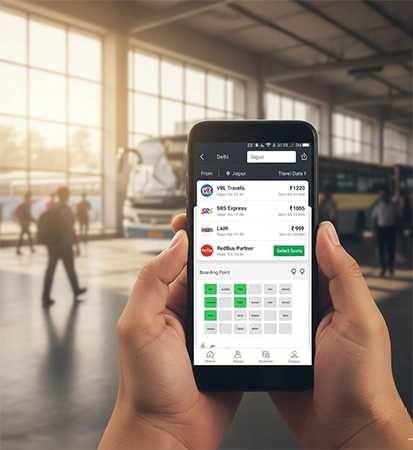
Search, compare, and book tickets from top operators like VRL, SRS, RedBus partners, and local services—all through one simple app.
Tripround
02
Live Seat Maps & Route Info
Check real-time seat availability and boarding point info so you never get stuck without a seat or stop.
Tripround
03
Instant E-Tickets, No Paper Needed
Confirm your seat and get your ticket straight to the app and your inbox. Show it from your phone while boarding—easy and eco-friendly.
Tripround
04
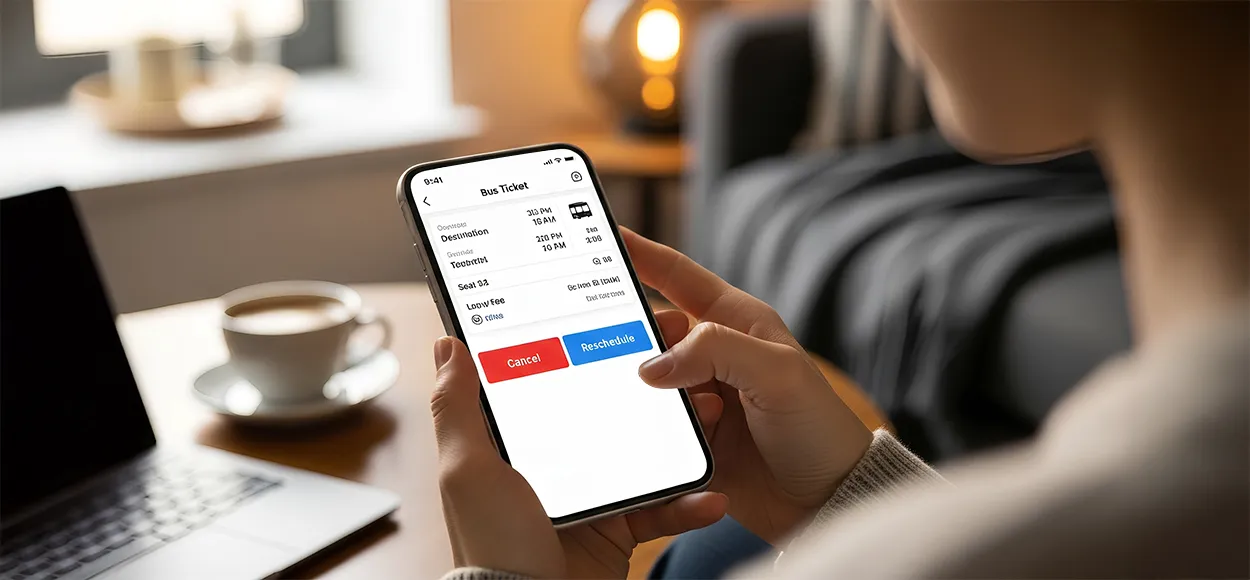
Flexible Options, Easy Cancellations
Change of plans? Cancel or reschedule from within the app based on the operator’s policy. Your money is safe and easy to manage.
Tripround
05
Book for Others, Too
Help family, friends, or neighbours book their seats by using your app. Add their details, pay on their behalf, and keep everyone moving.
Tripround
Tripround

Get Started in 3 Easy Steps

Book your next bus ride right from your phone—anytime, anywhere.
Tripround
1
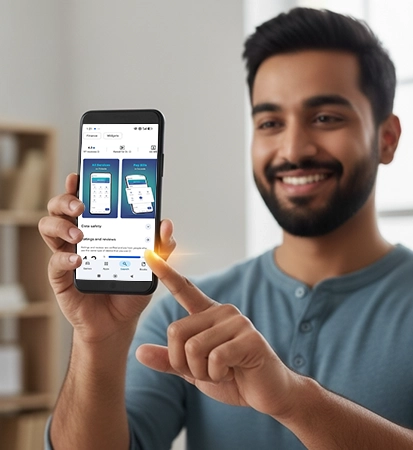
Download the Finkeda Prime App
Go to the Play Store and search Finkeda Prime. Install the app and register with your mobile number. Secure your account with a simple PIN.
Tripround
2
Choose Your Route
Tap Bus Tickets on the home screen. Select your starting point, destination, and travel date. Compare options by operator, price, and bus type. Select preferred seat and boarding point.
Tripround
3
Pay and Confirm
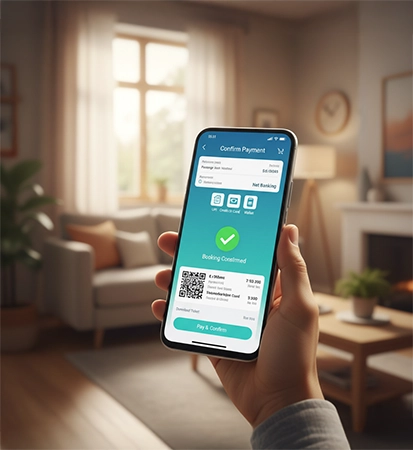
Fill in passenger details. Pay via UPI, debit card, credit card, or wallet. Get instant ticket confirmation—download or share as needed.
Tripround
Tripround

Key Features & Benefits

Tripround
Access to Top Bus Operators
From government buses to top-rated private coaches, Finkeda brings them all under one platform.
Tripround
Seat Selection in Real-Time
Pick your favourite window seat or book with friends—see real-time seat layouts and make your choice.
Tripround
Zero Hidden Fees
What you see is what you pay. We ensure pricing is clear at every step of the booking process.
Tripround
Smart Filtering for Quick Choices
Sort buses based on time, operator, type (AC/Non-AC), or sleeper vs. seater in seconds.
Tripround
Smooth App Performance
Even on slower networks or entry-level smartphones, the app performs without lag, perfect for on-the-go booking.
Tripround
Instant Support & Booking Help
Facing any issues with your trip? In-app customer service is just one click away, round-the-clock.
Tripround

Frequently
Asked Questions

What is the process of booking a bus ticket online?

Open app, choose Bus Booking, enter your route and date, compare operators, pick your seat, fill passenger details, and pay securely. Your ticket is generated instantly.

What are the benefits of booking bus tickets online?

You get quick seat selection, real-time prices, zero waiting time, instant confirmation, and multiple operators to choose from.

Can I book a bus ticket for someone else through Tripround?

Yes. Enter the passenger’s details at the time of booking and complete the payment from your account.

How safe is it to book tickets online?

It’s safe. Tripround uses secure, encrypted payment systems and verified bus partners.

Does Tripround provide bus tracking services?

If the bus operator offers live tracking, you’ll see it inside the app under your booking details.

Is it essential to create an account to book tickets?

Yes. Your account helps manage bookings, access tickets, track refunds, and receive updates.

Can I select my seat while booking a bus on Tripround?

Yes. You can pick your preferred seat using the seat layout shown before payment.

Does Tripround offer discounts for frequent travelers?

You may get offers during promo campaigns, festive seasons, or partner deals—based on availability.

Can I reschedule or cancel a bus booked online with Tripround?

Yes, if the operator allows it. Rescheduling or cancellation rules are shown before you confirm the booking.

Do I need to print my bus ticket after booking online?

No. The digital ticket or SMS with your booking ID is enough at boarding points.

What payment options are available for booking bus tickets on Finkeda?

You can pay through UPI, credit or debit cards, net banking, or wallet balance.